

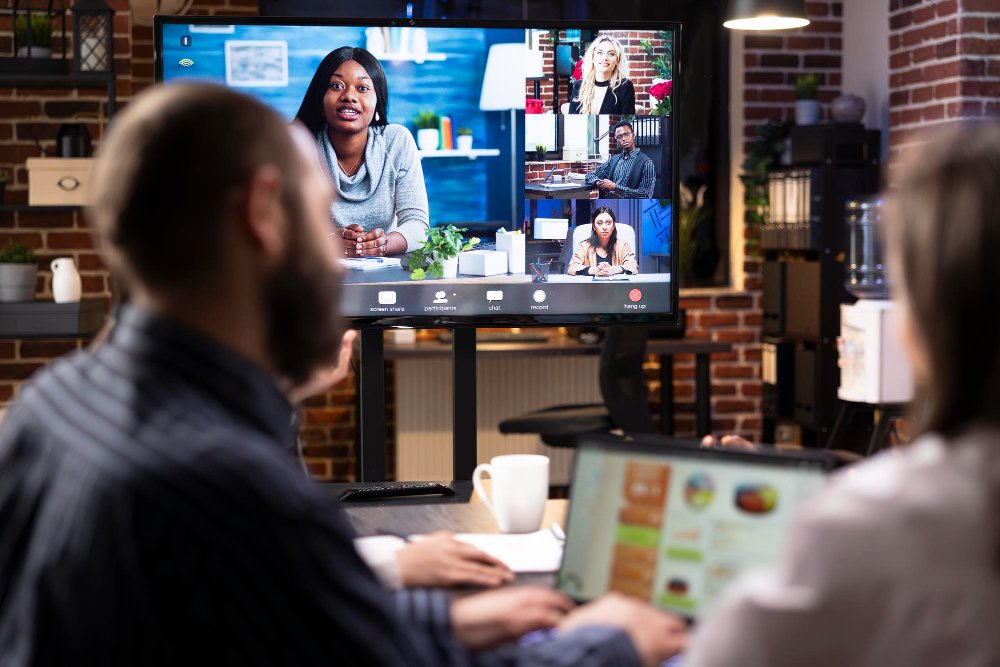
Get the equipment wrong on a hybrid event and it shows within minutes: a delayed video feed, muffled audio for remote attendees, or a camera pointed at an empty lectern. Get it right, and nobody watching from home notices the technology at all, they just experience a well-run event.
That’s really the question behind everything else: what equipment is needed for a hybrid event, and how do you make sure the in-person room and the virtual audience both get a good experience from the same production?
This guide covers what hybrid event production services actually involve, the core equipment list, how the process works from planning through to delivery, and practical ways to keep remote and in-room audiences engaged rather than treating one as an afterthought.
What Are Hybrid Event Production Services?
Hybrid event production services cover the planning, equipment, and technical delivery needed to run an event for two audiences at once: the people in the room, and the people joining remotely.
In practice, this means combining conventional event AV (sound, lighting, staging) with broadcast-style equipment (cameras, streaming encoders, and online platforms) so that both audiences get a coherent, well-timed programme rather than two separate, poorly connected events.
A well-planned hybrid setup typically includes:
- Professional audio for the room and a separate, cleaner audio feed for the stream
- Camera coverage that follows the action, not a single static wide shot
- A streaming or webcasting platform that supports the expected number of remote viewers
- A way for remote attendees to ask questions, vote in polls, or interact with the content
- On-site technical support to manage both feeds throughout the event
The goal is straightforward: the in-person audience gets a well-run live event, and the remote audience gets a broadcast-quality experience that doesn’t feel like an afterthought.
What Equipment Is Needed for a Hybrid Event?
The honest answer is that it depends on the size of the audience, the venue, and how interactive the session needs to be. That said, most hybrid events draw from the same core equipment categories.
1. Audio Equipment
Sound is where hybrid events most often go wrong, because a system designed for a live room doesn’t automatically sound good through a laptop speaker at home.
- Radio or lapel microphones for presenters, so they can move without losing signal
- A separate audio feed (or mix-minus) sent to the stream, kept apart from the room’s PA system to avoid echo and feedback
- A digital mixer with enough inputs for multiple presenters, panel discussions, and Q&A microphones
If you’re weighing up PA system hire against a venue’s existing sound system, the same principle applies for hybrid events, because a system designed purely for room coverage rarely produces a clean feed suitable for streaming.
2. Camera and Video Equipment
- At least two cameras: a wide shot of the stage and a closer shot on the presenter
- A video switcher to cut between camera angles, presentation slides, and any pre-recorded content
- Confidence monitors so presenters can see slides and, where relevant, remote participants
For panel discussions or Q&A sessions, a third camera covering the audience or additional speakers helps the stream feel like a genuine event rather than a single static recording.
3. Streaming and Broadcast Equipment
- An encoder to convert the camera and audio feeds into a stream-ready format
- A reliable internet connection, ideally a dedicated wired line rather than shared venue Wi-Fi
- A streaming platform or webcasting service that matches expected remote attendee numbers and interaction needs
Connectivity is worth flagging on its own, because no amount of camera or audio quality compensates for a stream that buffers or drops. Testing the venue’s internet capacity in advance is a standard part of proper hybrid event production.
4. Lighting
Lighting needs to work for cameras, not just for the room. Presenters who look perfectly fine in person can appear washed out or shadowed on camera without the right key and fill lighting.
5. Staging and Presenter Set-Up
A clear, well-lit presenter position, sensible sightlines to both cameras and the live audience, and clean cable management all matter more on a hybrid event, since the stage is now effectively also a broadcast set.
Quick-reference: core hybrid event equipment list
- Radio microphones and a digital mixer with a separate stream feed
- Two or more cameras with a video switcher
- Confidence monitors for presenters
- A streaming encoder and dedicated internet connection
- Camera-appropriate lighting
- An interaction tool for polls, Q&A, or chat
How Hybrid Event Production Works
Understanding how hybrid event production works helps explain why the right equipment on its own isn’t enough, the process around it matters just as much.
Planning Phase
- Confirming numbers for both the in-room and remote audience
- Choosing a streaming platform that suits the format, whether that’s a simple webinar or an interactive conference
- Surveying the venue for power, connectivity, and camera positions
- Building a run sheet that accounts for both audiences, including how questions from remote attendees get raised in the room
Under the Equality Act 2010, event organisers also need to think about accessibility for remote attendees, such as captioning or screen-reader-friendly platforms, alongside physical access for the in-person audience.
On the Day
- A technical run-through before doors open, testing every microphone, camera angle, and the live stream end to end
- A dedicated operator managing the stream and the interaction tools throughout, separate from whoever is running sound and lighting for the room
- A clear point of contact for remote attendees if they experience connection issues
This is also where the IET Code of Practice for Electrical Safety Management is relevant, since additional broadcast and streaming equipment adds load and cabling on top of the standard event AV setup, and this needs to be planned and tested properly, not added on the day.
After the Event
Most hybrid events are recorded. A short technical debrief, checking what worked and what didn’t, along with a well-organised recording ready for on-demand viewing, closes out the production properly.
How Do Hybrid Events Increase Audience Engagement?
A common concern is that remote attendees will simply switch off. In practice, hybrid formats can increase engagement across both audiences, provided the right tools are built into the production from the start.
- Live polling and Q&A: remote and in-room attendees can submit questions through the same platform, which often surfaces questions people wouldn’t ask out loud
- On-demand access: recording the event means attendees who couldn’t join live still engage with the content afterwards
- Breakout sessions: splitting a hybrid audience into smaller discussion groups keeps remote attendees involved rather than passively watching
- Wider reach: removing travel and location barriers typically increases total attendance, which extends the reach of sponsors, speakers, and content
The pattern across most hybrid events is the same: engagement improves when the remote audience is given something active to do, rather than being left to watch a single static camera feed.

Pro Tips for Hybrid Event Production
- Test the stream from an external network, not just the venue’s own connection, to see what remote attendees will actually experience
- Brief presenters specifically on speaking to the camera as well as the room, a short walkthrough beforehand makes a noticeable difference
- Build in a short buffer before the event goes live, so any last-minute connectivity issues can be resolved without delaying the start
- Assign one person purely to monitor the remote experience during the event, sound, picture, and chat, separate from whoever is managing the room
Common Mistakes to Avoid
- Treating the stream as a single fixed camera pointed at the stage, rather than a properly produced feed
- Relying on the room’s PA system as the only audio source for the stream, which usually results in poor sound for remote attendees
- Using venue Wi-Fi shared with general attendees for the stream connection
- Leaving remote attendees with no way to ask questions or interact during the session
- Skipping a full technical rehearsal before the event starts
Best Practices and Expert Advice
- Plan the hybrid element from the outset, not as an add-on once the in-person event is already designed
- Match the equipment and platform to actual audience numbers rather than over- or under-specifying
- Keep a dedicated technical contact on-site throughout, so issues are resolved during the event rather than after
- Review the recording and stream analytics afterwards to inform the next event
Spotlight Sound has supported venues, event organisers, and businesses across Essex, London, and the South East with practical AV solutions for over 15 years, including the equipment and technical delivery hybrid events depend on.
Frequently Asked Questions
What equipment is needed for a hybrid event?
At minimum, a hybrid event needs radio microphones with a separate stream audio feed, at least two cameras with a video switcher, a streaming encoder, a dedicated internet connection, and camera-appropriate lighting. Larger events also benefit from confidence monitors and an interaction platform for polls and Q&A.
What are hybrid event production services?
Hybrid event production services combine standard event AV, such as sound, lighting, and staging, with broadcast equipment like cameras and streaming platforms, so that both an in-person and a remote audience receive a well-run, coordinated event.
How much does hybrid event production cost?
Cost depends on audience size, the streaming platform chosen, and how much interactivity is required. A straightforward single-camera webcast costs considerably less than a multi-camera production with live switching and audience interaction tools, so it’s worth discussing requirements with a provider before comparing quotes.
How hybrid event production works from start to finish?
It typically runs through four stages: planning (confirming numbers, platform, and venue capability), technical rehearsal (testing every feed before doors open), live delivery (with dedicated staff managing the stream separately from the room), and a post-event review including the recording and any analytics.
How do hybrid events increase audience engagement?
Hybrid events increase engagement by giving remote attendees active ways to participate, such as live polling, Q&A, and breakout sessions, alongside on-demand access to the recording. This typically broadens total attendance compared with an in-person-only event.
Conclusion
Knowing what equipment is needed for a hybrid event, radio microphones with a clean stream feed, multi-camera coverage, a reliable streaming setup, and lighting that works on camera, is the starting point. The bigger factor is the planning and technical delivery around that equipment, from a proper rehearsal to a dedicated operator managing the remote experience throughout the event.
Done properly, hybrid event production doesn’t just replicate an in-person event online, it gives both audiences a well-run, well-produced experience in their own right.
If you’re planning a hybrid event and want practical advice on the right equipment and technical support, get in touch with Spotlight Sound to talk through your venue, audience numbers, and requirements.


